 Bhuwan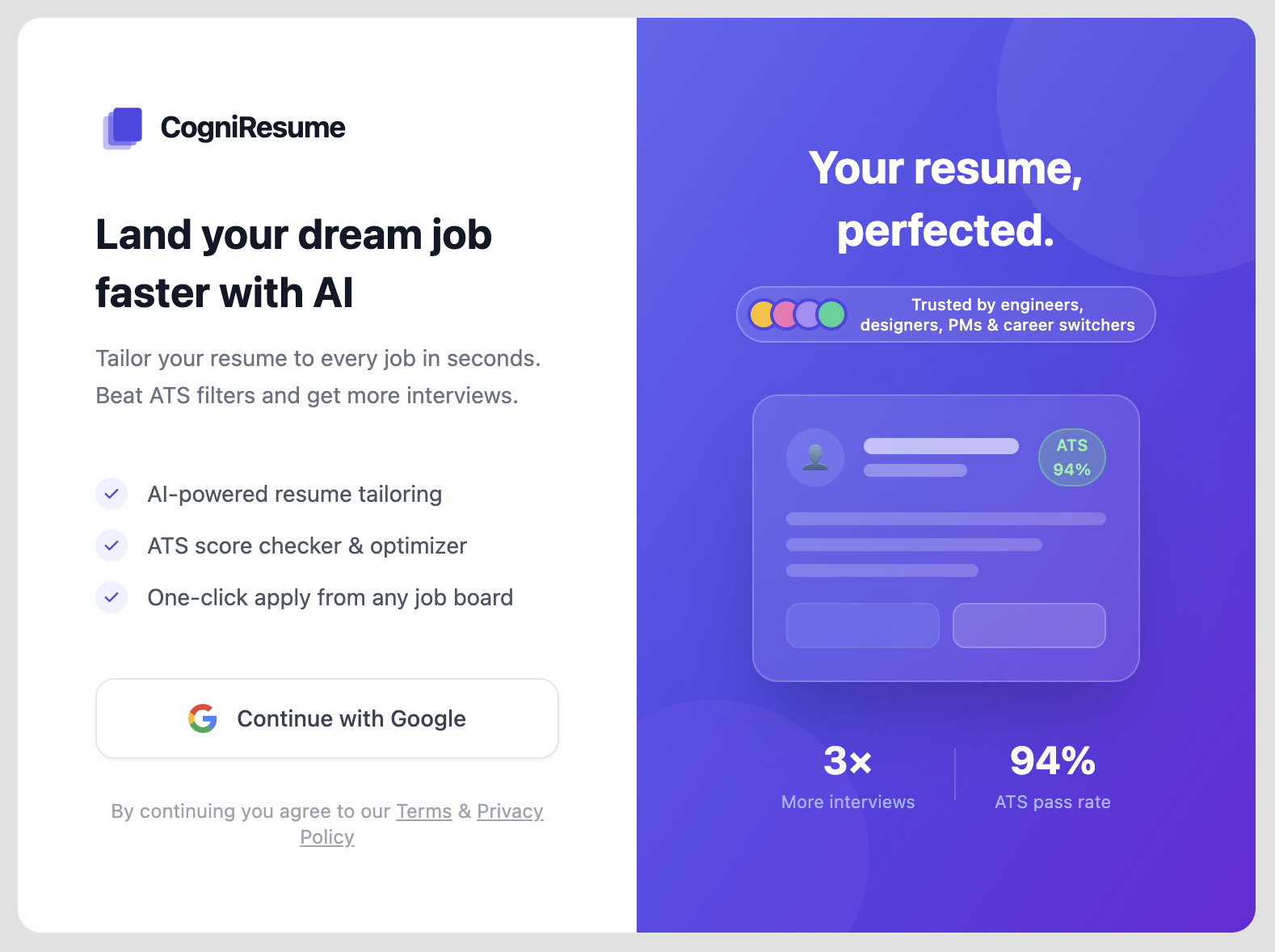

The Problem
Job hunting is brutal. You find a great posting, spend 45 minutes tweaking your CV to match the keywords, write a cover letter that doesn’t sound like a robot wrote it, and then do it all over again for the next one. Multiply that by 50 applications and you’ve lost a week of your life.
I wanted to fix that.
What is ZenCV?
ZenCV is a Chrome browser extension backed by a Python/FastAPI backend, that automates the most soul-crushing part of job hunting.
Open a job posting. Click the extension. Get a tailored CV and cover letter in seconds.
That’s the whole pitch. Three clicks.
How It Works
Job Posting Page
      |
[ZenCV Chrome Extension]  ← React + TypeScript
      |
      ↓
POST /api/job-description/process
      |
[ZenCV Server]  ← FastAPI (Python)
      |
      ↓
LLM (gpt-4.1-mini)
      |
Tailored CV JSON + Cover Letter
      |
[Extension renders templates + export]
- Extract: The extension grabs and cleans the job posting HTML from your active tab using Chrome’s scripting API.
- Match: The backend scans your stored
cv_variants.json(multiple versions of your experience) and picks the most relevant bullets, skills, and summaries. - Generate: An LLM rewrites and tailors the content to match the job description’s language and priorities.
- Export: Choose from 6 CV templates, preview, and export via browser print or draft directly into Gmail.
The Repos
| Repo | Stack | Role |
|——|——-|——|
| ZenCV-client | React, TypeScript, Tailwind, Vite | Chrome extension UI |
| ZenCV-server | Python, FastAPI, OpenAI SDK | Primary AI backend |
The client points VITE_API_BASE_URL at the FastAPI server.
Tech Stack Deep Dive
ZenCV Client (Chrome Extension)
- React + TypeScript for the popup UI
- Tailwind CSS for styling across 6 CV templates
- Vite for build tooling with hot-reload dev mode
- Chrome’s
scriptingAPI to reach into the active tab’s DOM - Gmail integration to open cover letters as compose drafts
ZenCV Server (Python / FastAPI)
- FastAPI for clean, auto-documented REST endpoints (
/docsships with Swagger UI) - OpenAI-compatible: works with any provider supporting the OpenAI API spec
- Multi-variant CV system: store different versions of your professional history; the LLM picks the best fit
- Artifact caching by job URL hash so repeated requests don’t cost tokens
- Token usage + cost tracking in every response summary
The Data Model
The key is cv_variants.json. Instead of one CV, you maintain multiple variants of each section:
{
  "variants": [
    {
      "label": "backend-focus",
      "summary": "Backend engineer with 4 years in distributed systems...",
      "skills": ["Python", "PostgreSQL", "Docker", "Kubernetes"],
      "experience": [...]
    },
    {
      "label": "fullstack-focus",
      "summary": "Fullstack developer comfortable across the entire stack...",
      "skills": ["React", "TypeScript", "Node.js", "FastAPI"],
      "experience": [...]
    }
  ]
}
The LLM reads the job description, picks the right variant, rewrites the bullets to echo the posting’s language, and outputs a structured CV JSON ready for the template engine.
What I Learned
LLM prompt engineering is 80% of the work. Getting the model to select the right variant, stay factually grounded (no hallucinated experience), and match the tone of the job posting without being sycophantic took a lot of iteration.
Chrome extensions are surprisingly painful. Manifest V3, content security policies, and the quirks around chrome:// pages make development feel like navigating a minefield. The real-time extension reloading setup in dev mode saved my sanity.
Cost matters. I added token tracking from day one. Every generated artifact writes a summary.json with usage stats. Even at gpt-4.1-mini prices, it adds up across hundreds of applications, and knowing the cost per generation shaped prompt length decisions.
What’s Next
- PDF export without the print dialog hack
- Authentication so the server can be hosted publicly
- Smarter variant selection using embedding similarity rather than pure LLM reasoning
- Support for non-English job postings
UPDATE:: I used this project as pilot test. I used it for a month and using this tool I got 3 interviews in just two weeks. So, I thought building a complete product which can be used by other people also would be a good idea. So I scaled it into a full scale product named CogniResue. The extension is published on the Chrome Web Store: Chrome Web Store listing.